frequently asked questions
How do I know if the OC+ or IGNIS gaming glasses will work with my headset?
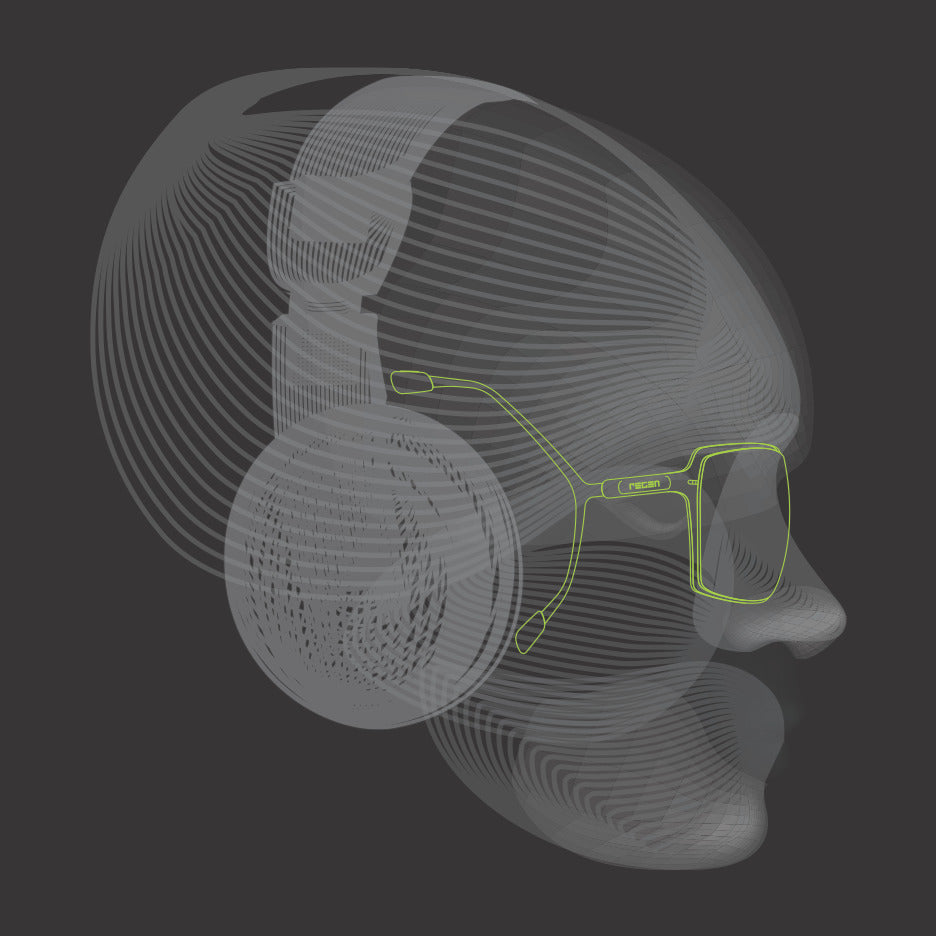
During the development process of the OC+ and IGNIS gaming glasses, we have tried and tested this with a number of different headsets across Sony, Alienware, Astro gaming and more.
We know that all heads are different, so to try this out for yourself, try our Virtual Try on tool.
Step 1 - click the green icon on any of the frames in the Headset Compatible collection.
Step 2- try the frames on virtually WITHOUT your headset first - at this point you can turn your head to see the 'claw' design and where this sits on your face
Step 3 - now put your headset on! If you can no longer see the 'claw' design of the glasses due to your headset, you may need a smaller size.
If so, drop the team a note at help@regen-optics.com and they will be able to advise.
How do I fit the OC+ and IGNIS gaming glasses?
Check out our how to guide for the OC+ and IGNIS gaming glasses here.
Which gaming lens is best for me?
REGEN™'s blue light blocking gaming lenses have the highest level of blue-block around - without the usual yellow tinge of many gaming glasses.
The main benefits of blue blocking glasses are preventing eye strain, dry eye and improving sleep quality.
REGEN™'s colour enhancing lenses bring a new level of quality, crispness and focus to your time doing what you do best.
The colour enhancing lenses still offer a 30% blue blocking feature which, whilst not as strong as the Blue Light Filter lens, offers a great level of protection.
For further information on the lens technology, check out the REGEN™ Technology page.
Are the IGNIS and OC+ gaming glasses compatible with both types of lenses?
Yes, we have both IGNIS and OC+ available with blue light blocking and colour enhancing lenses.
We will be releasing more headset compatible styles and colourways in the future.